> For the complete documentation index, see [llms.txt](https://docs.cielo.finance/llms.txt). Markdown versions of documentation pages are available by appending `.md` to page URLs; this page is available as [Markdown](https://docs.cielo.finance/trading/portfolio.md).
# Portfolio
[**Portfolio**](https://app.cielo.finance/portfolio/spot) displays the balance and dollar value of the assets you hold in your Cielo trading wallets on Solana, Base, Robinhood and Arc. It also reveals PnL, allowing you to view trading performance over time.
There are two tabs within the Portfolio page, both of which provide information on the trading wallet(s) you are using within the Cielo web app: **Spot** and **Wallets**.
### Spot
Spot provides PnL information on the trading wallets you select. Pick a chain (ALL, SOL, BASE, HOOD, ARC) and a timeframe (1D, 7D, 30D or All) to see your realized PnL, unrealized PnL and total value.
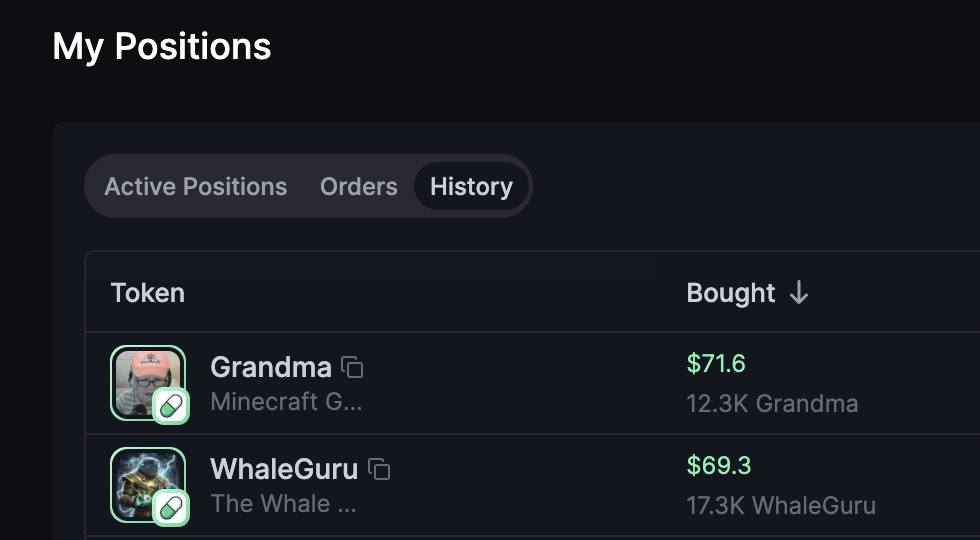
Further down the page, you will find **My Positions**. This section shows tokens that are currently held in your wallet. Click Orders and History to view your previous trades in more detail.
### Wallets
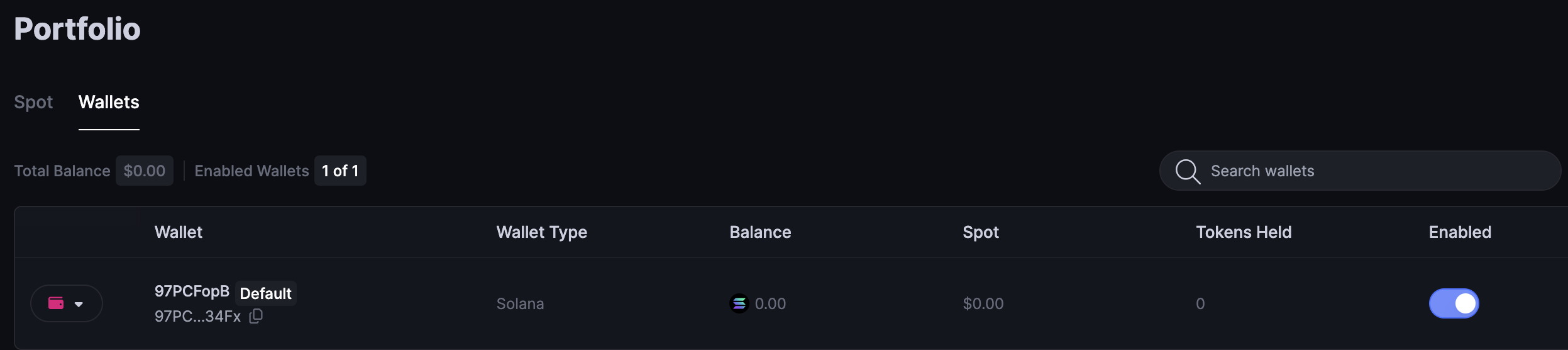
[**Wallets**](https://app.cielo.finance/portfolio/wallets) lists your trading wallets, split into Solana and EVM. Here you can access controls pertaining to this wallet including the ability to export the private key and to activate or deactivate the wallet.
{% hint style="info" %}
Should you choose to export your private key, be careful not to share with anyone or store it in a manner that might allow a third party to access it (e.g. in the cloud). Cielo does not have access to your trading wallet and you are solely responsible for its management and for backing up the private key.
{% endhint %}
**Wallets** also enables you to generate new trading wallets by clicking the button marked **Generate New Wallet**, or bring in an existing one with **Import Wallet**. With multiple wallets created, you can toggle between them to choose which one is enabled at any given time as your default trading wallet.
Cielo creates a Solana wallet and an EVM wallet for you. The EVM wallet is the same address on Base, Robinhood and Arc. Only send funds to it on those three chains: funds sent on another chain (like Ethereum or BNB Chain) won't show in Cielo.
The Solana wallet you have active is always shown in the top right of the web app like this:
### Reclaim SOL rent
Cielo can close your empty Solana token accounts and return the rent (about 0.002 SOL each) to your trading wallet. Only accounts with a zero balance are closed.