> For the complete documentation index, see [llms.txt](https://docs.cielo.finance/llms.txt). Markdown versions of documentation pages are available by appending `.md` to page URLs; this page is available as [Markdown](https://docs.cielo.finance/wallet-tracking/feed.md).
# Feed
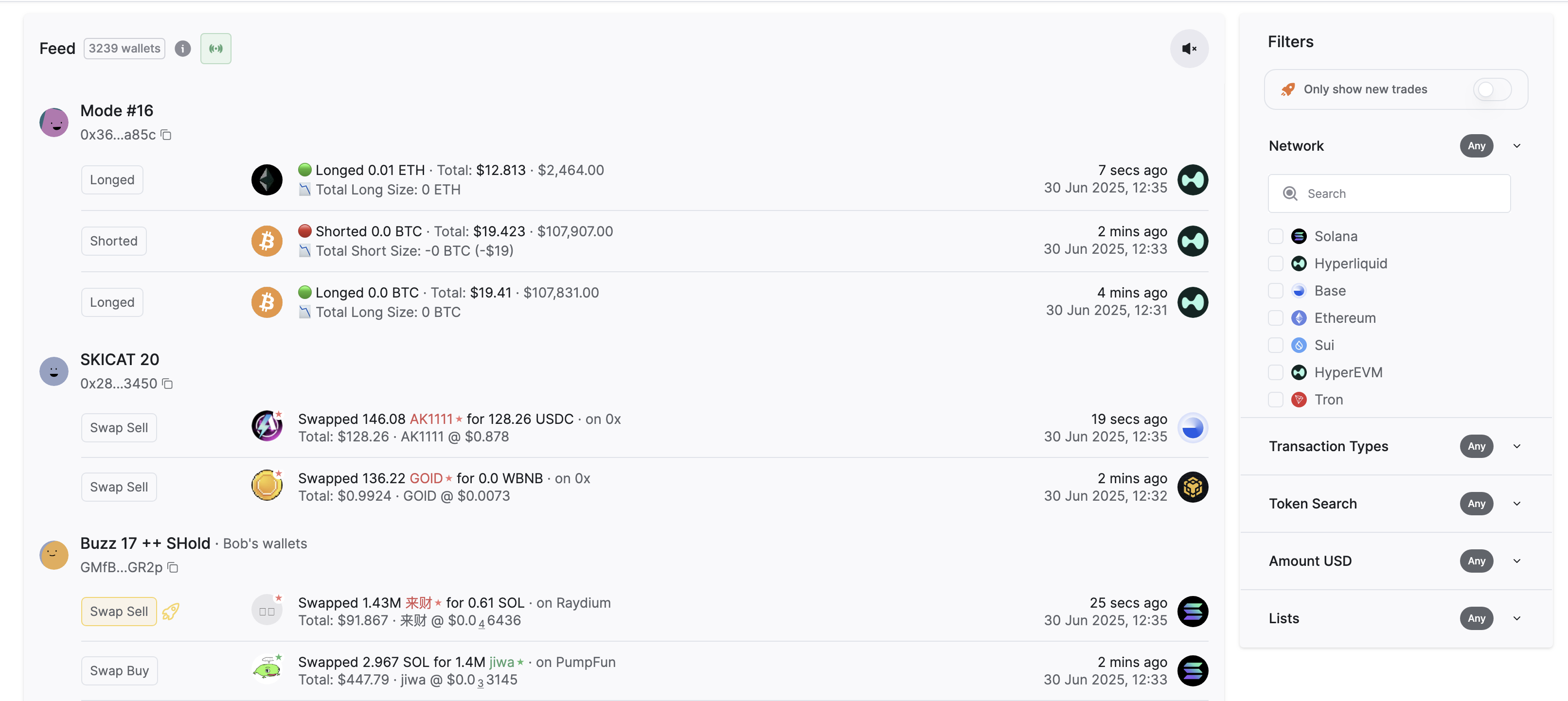
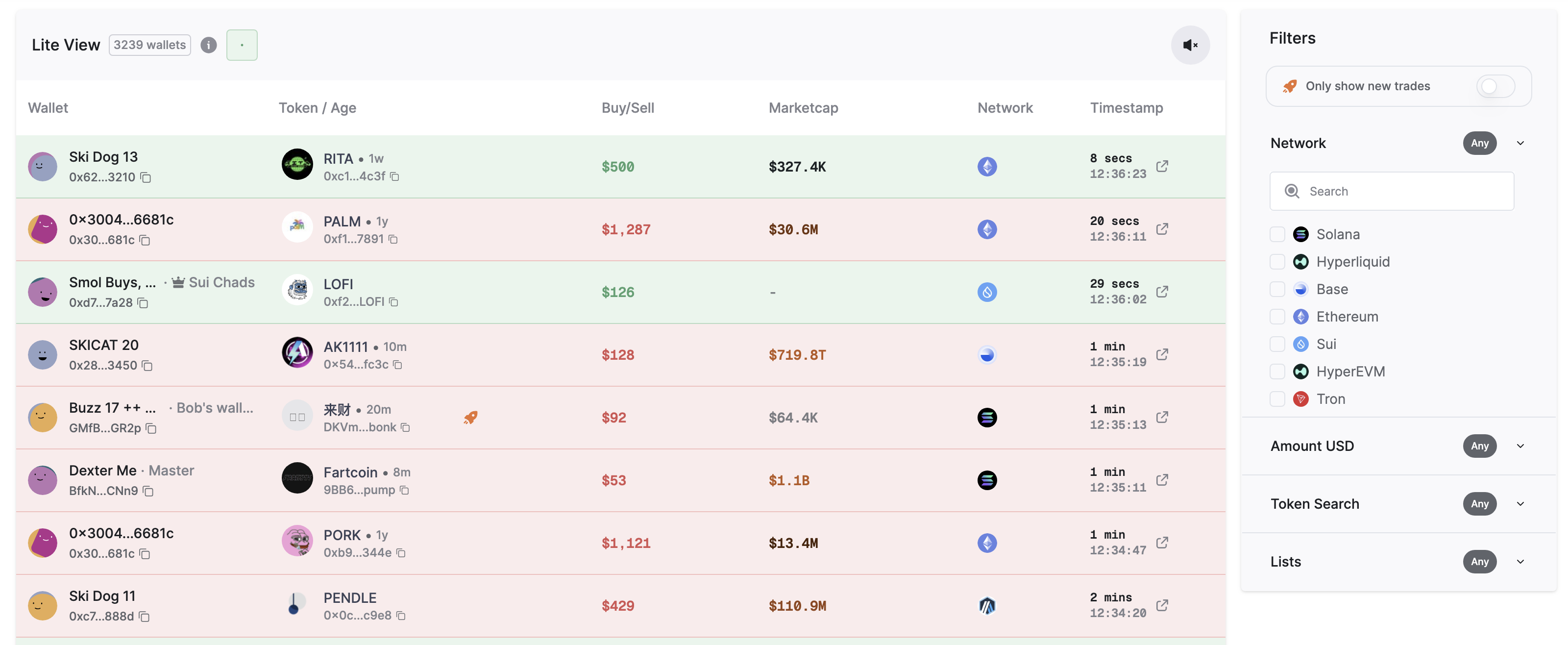
Your Cielo feed is available in two display modes, selectable from the left menu: Classic or Lite. **Classic** is the original layout, in which all transactions are shown chronologically by wallets you're tracking. [**Lite**](https://app.cielo.finance/lite) is a condensed feed that focuses on token swaps only. It incorporates a Filters menu in the right sidebar where you can configure results based on Network, Swap Size (USD), Token, or List.
Your feed displays recent transactions (tx) from wallets you’re following. Each row represents an onchain tx and is enhanced with labeling and links to aid your understanding.
A typical entry might show the wallet (*Address or ENS or .sol*) tx type (*Swap*), network (*Arbitrum*), protocol (*Uniswap*), tokens exchanged (*ETH>USDC*), tx value ($800), and elapsed time since the tx occured (*2 mins ago*). For NFTs a thumbnail is also shown.
Upon loading your feed, you will see a pinging blue dot at the top. This denotes that a web sockets connection is active that will continually refresh your feed whenever new transactions are delivered. Click the audio icon alongside the blue dot if you'd like to receive an audible alert whenever your feed updates. This is helpful when you're browsing or trading in other tabs and want to learn instantly whenever a new alert arrives.
Classic feed
Lite feed
## Reading your feed
A single transaction looks like this:
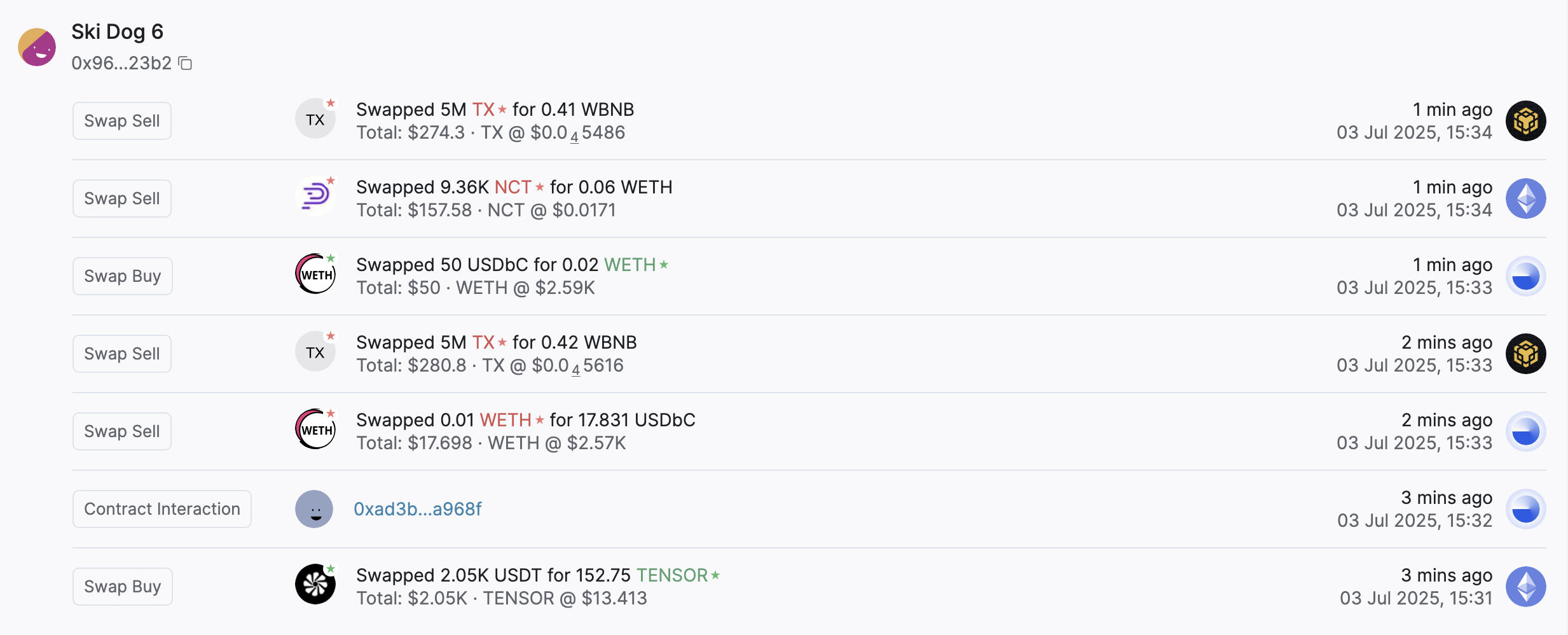
Or if a wallet makes a series of related transactions within a short timeframe, Cielo will cluster them:
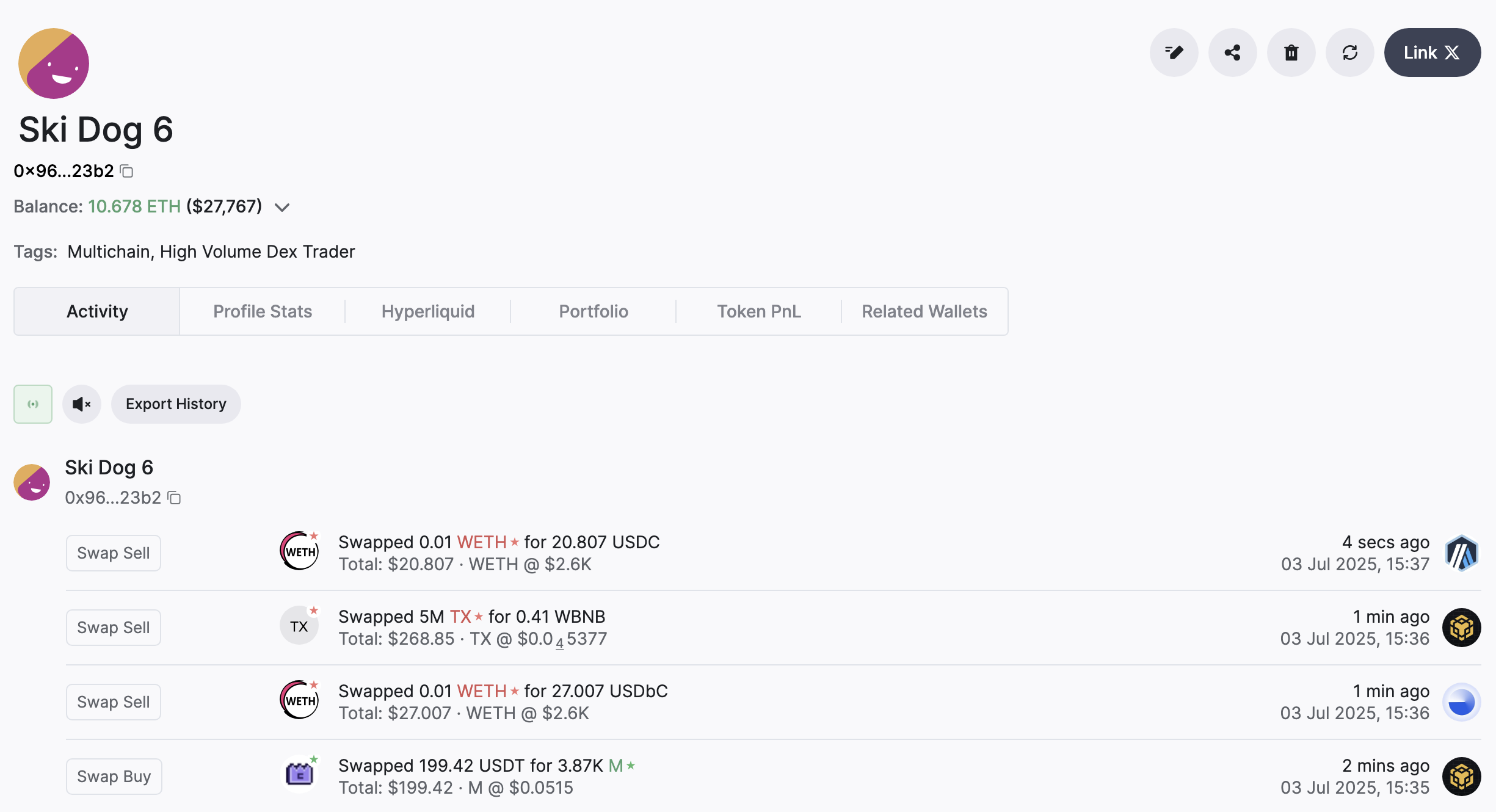
Click on the name or label assigned to a wallet (e.g. *dolgame.eth*; *Major Airdrop Receiver*) to open a new page for that wallet profile. For example, [**this**](https://app.cielo.finance/profile/0x9683495e5bbd30d741eddd3f972d7ae5188423b2) is the wallet profile for *0x96...23b2,* labeled here as *Ski Dog 6.*
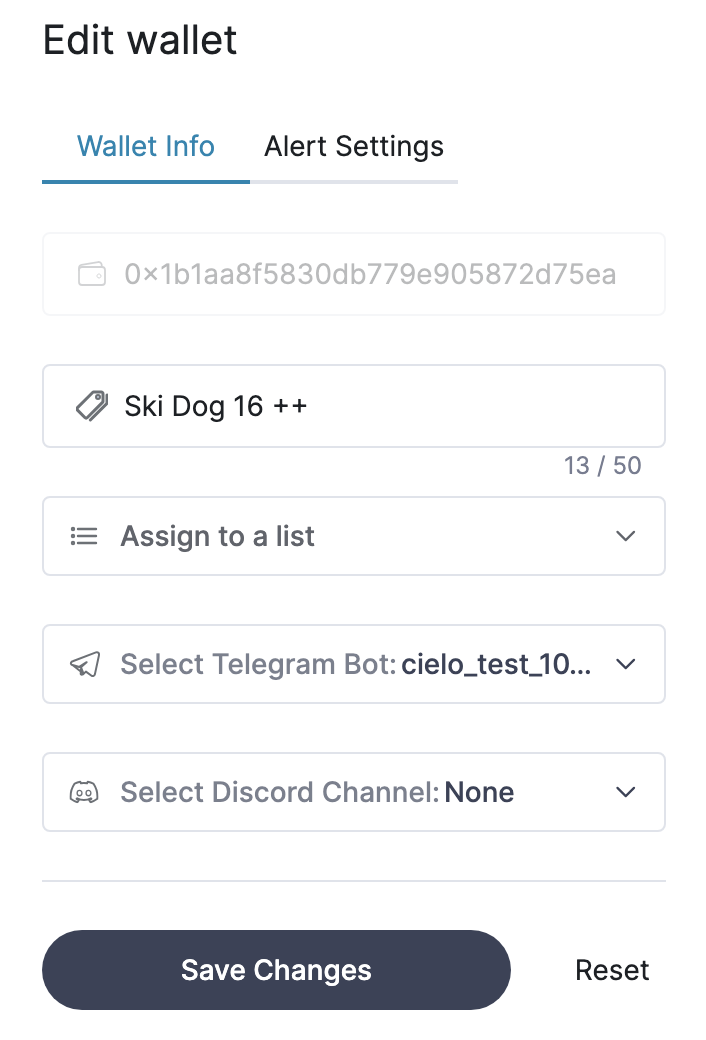
The wallet tags show that this user is extremely active onchain. If you enable Telegram alerts for this wallet, you'll receive a lot of notifications by default. You can resolve this by clicking the **Edit** icon for this wallet and selecting **Alert Settings**.
## Learning more
Cielo displays multiple data points for each tx that appears in your feed. Click on the icons, wallet name, and other metadata to learn more.
In the above transaction, the following actions are available:
**Wallet Name** *(Alfa354)*: Click to open wallet profile page
**List** (*AlfaDAO*): Click to open the list containing this wallet
**Wallet Address** *(0xec)*: Click to copy the address to clipboard
**Token Icon**: Click to view recent market data for this token and chart (You can change your default chart provider in [Settings](https://app.cielo.finance/settings))
**Timestamp** *(7 mins ago)*: Click to open blockchain explorer link
If you see a rocket icon displayed beside a tx, it means it’s the first time the wallet has traded this particular token:
Depending on the transaction, other information displayed may include include the tx type, number of tokens swapped, token price, and total tx value.
###