> For the complete documentation index, see [llms.txt](https://docs.cielo.finance/llms.txt). Markdown versions of documentation pages are available by appending `.md` to page URLs; this page is available as [Markdown](https://docs.cielo.finance/wallet-tracking/portfolio.md).
# Portfolio
[**Portfolio**](https://app.cielo.finance/portfolio/spot) displays the balance and dollar value of Solana assets you hold in your Cielo trading wallet. It also reveals PnL, allowing you to view trading performance over time.
There are two tabs within the Portfolio page, both of which provide information on the Solana trading wallet(s) you are using within the Cielo web app: **Spot** and **Wallets**.
### Spot
Spot provides PnL information on the Solana trading wallet you have currently selected. This includes your 30-day PnL, unrealized PnL, and total value of Solana tokens held in the wallet. Click the options on the right of the page to change the timeframe from the default 30 days to 1 or 7 days.
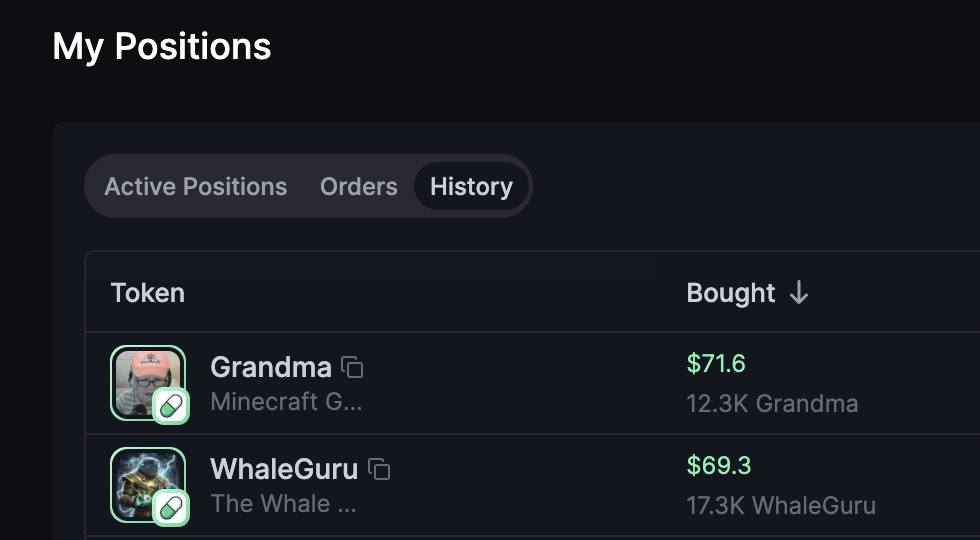
Further down the page, you will find **My Positions**. This section shows tokens that are currently held in your wallet. Click Orders and History to view your previous trades in more detail.
### Wallets
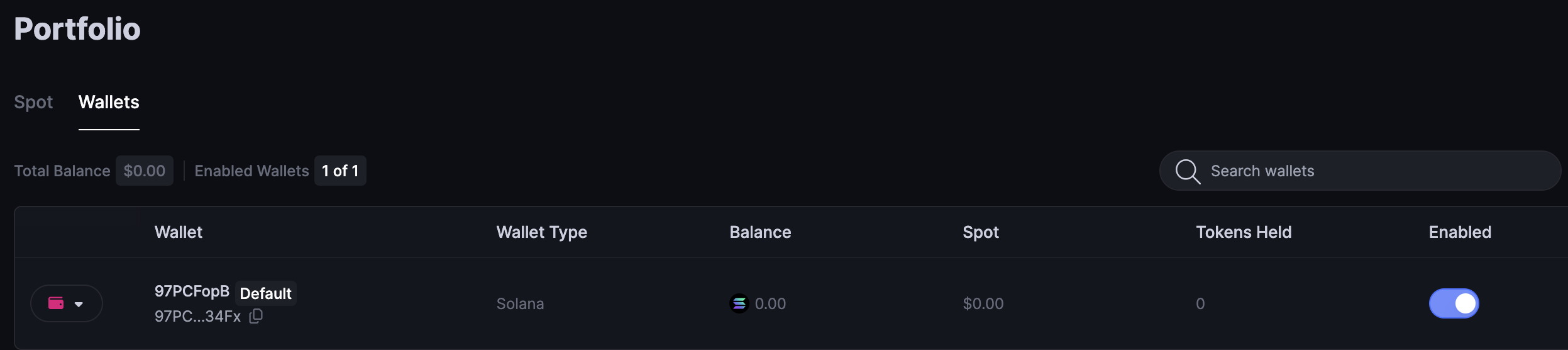
[**Wallets**](https://app.cielo.finance/portfolio/wallets) displays information on the Solana trading wallet you are currently using. Here you can access controls pertaining to this wallet including the ability to export the private key and to activate or deactivate the wallet.
{% hint style="info" %}
Should you choose to export your private key, be careful not to share with anyone or store it in a manner that might allow a third party to access it (e.g. in the cloud). Cielo does not have access to your trading wallet and you are solely responsible for its management and for backing up the private key.
{% endhint %}
**Wallets** also enables you to generate new Solana trading wallets by clicking the button marked **Generate New Wallet**. With multiple wallets created, you can toggle between them to choose which one is enabled at any given time as your default trading wallet.
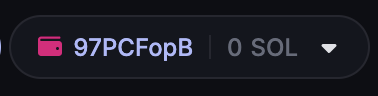
The Solana wallet you have active is always shown in the top right of the web app like this: